JAWNA › Games on JAWNA › Mahjong
Mahjong Online
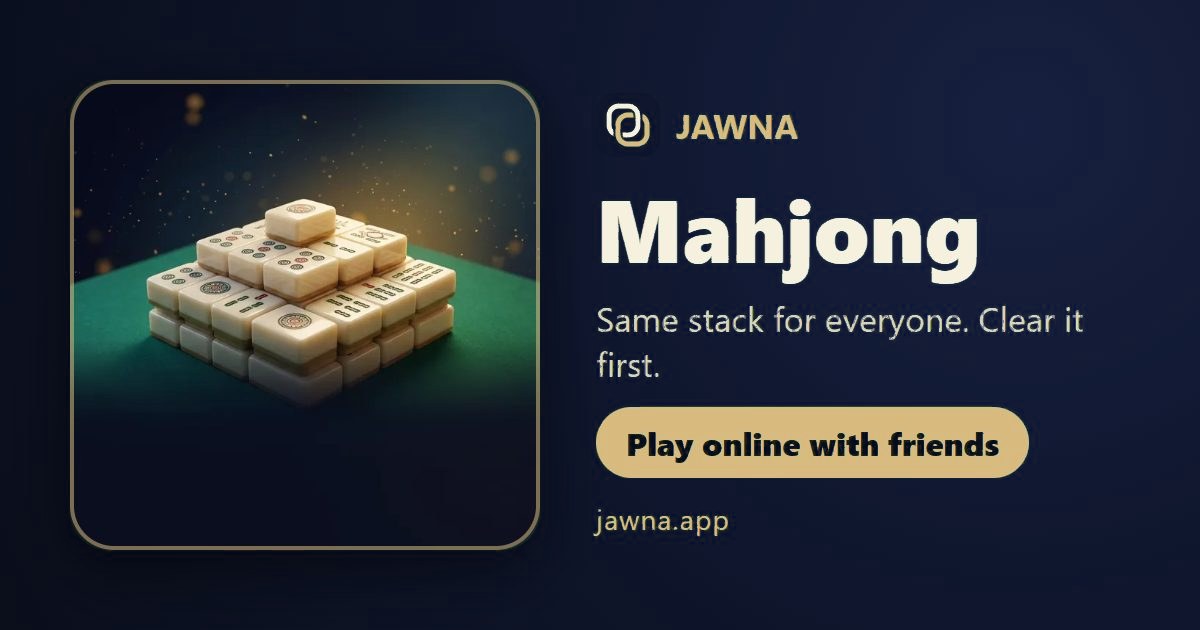
Same stack for everyone. Clear it first. 2 to 4 players, with mic voice chat and private tables for friends.
About the game
- Players: 2 to 4 players
- Ways to play: Private table: invite friends with a link, Quick match with new players, Voice chat and messages at the table
How to start
- Open jawna.app and sign in with Google or Apple.
- Tap Games and choose Mahjong.
- Create a table and share the link with friends, or pick Quick match.
Why play Mahjong on JAWNA?
- Mic and voice chat right at the Mahjong table: talk to the other players while you play.
- Quick match finds you a table with new people fast, or make a private table and send your friends the link.
- No download: it runs in the browser on phone and computer, and there is a JAWNA phone app too.
- Arabic first, with English. Made for the Gulf and the Arab world.
- Free. Extras (table and card looks) are optional, with coins.
- 100+ games in one place: Baloot, Jackaroo, Kout, Tarneeb, Hand, Konkan, Ludo, Dominoes and more.
- Fair play: reports, bans and moderators.
Frequently asked questions
Is Mahjong on JAWNA free?
Yes, playing is free in your browser. Optional extras use in-app coins.
How many players does Mahjong need?
2 to 4 players.
Can I play Mahjong with my friends?
Yes. Create a private table, send your friends the link, and talk by voice while you play.
Where can I play Mahjong online with a mic?
On JAWNA (jawna.app). Every Mahjong table has a mic and voice chat, so you talk to the players while you play.
Where can I play Mahjong with new people?
On JAWNA pick Mahjong and tap Quick match to get players fast, or make a private table for your friends.
Do I need to download an app to play Mahjong?
No. Open jawna.app in the browser on your phone or computer and play right away. There is also a JAWNA phone app if you like.
More games on JAWNA
- Colour Cards
- Baloot
- Jackaroo
- Ludo
- Barsis
- Card Thief
- Dominoes
- Azneef
- Hand
- Russian Hand
- Banakil
- Biriba
- Baraziliyeh
- Mor
- Okey 101
- Jawna Party
- Snakes & Ladders
- El Shayeb
- Basra
- Ronda
- Tonj
- Property Deal
- Carrom
- Tarneeb
- Leekha
- Estimar
- Estimation
- Trix
- Seven of Diamonds
- Backgammon (Tawla)
- Kout
- Omani 61
- Billiards (8-ball)
- Dama (checkers)
- Konkan
- Chess
- Cheat
- Quiz Night
- Secret Word
- Who’s Out?
- Name It
- Memory
- Reversi
- Four in a Row
- Five in a Row
- Mancala
- Dots and Boxes
- Sea Battle
- Yatzy
- Tic-tac-toe
- Ultimate Tic-tac-toe
- Nine Men's Morris
- Chinese Checkers
- Walls
- Go board game
- Hex
- Letter Hive
- Durak
- Sudoku
- Nonogram
- Minesweeper
- 2048
- Solitaire
- Spider Solitaire
- Free Cells
- Quick Spot
- President
- Pearl Hunt
- Snake Race
- Block Drop
- Darts
- Pyramid
- Three Peaks
- Go Fish
- Cribbage
- Word Scramble
- Archery
- Penalty KicksShoot It
- Word Search
- Kakuro
- Math Grid
- Slide Puzzle
- Light Switch
- Water PipesWater Sort
- Tafl
- Tangram
- Spoons
- Take or Pass
- Draw & Guess
- Checkers
- Code Breaker
- Number Path
- Shape Fit
- Bowling
- Bubble Race
- Mini Golf
- Bridges
- Islands
- Jigsaw Race
- Speed Race
- Air Hockey
- Brick Smash
- Cricket
- Pinball
- Jawna Party 3D
- Sixth Card
- Fireworks
- Feast
- Crazy Game
How to play – step by step
- Free tiles only – A tile is free when nothing lies on it and its left or right side is open. Free tiles look a little brighter.
- Tap a matching pair – Tap two matching free tiles to take them off.
- Flowers and seasons – Tiles must be the same, but any two flowers match, and any two seasons match. Shuffle and hints pause your board a few seconds; undo is free.
- Clear the stack first – Everyone gets the same stack and plays at once. The first to clear every tile wins. When time runs out, the most tiles cleared wins.