Free Cells Online
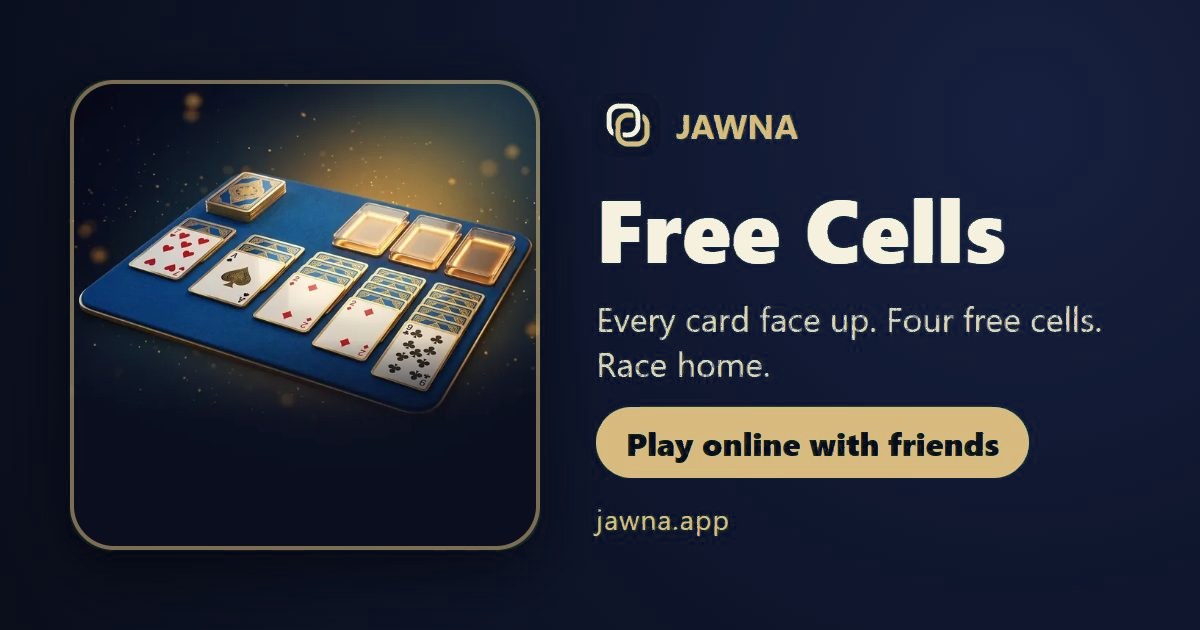
Play Free Cells free on JAWNA with friends in a browser, no download. Share a private table link, enjoy voice chat, or use the iPhone and Android app.
Why play Free Cells on JAWNA?
- Mic and voice chat right at the Free Cells table: talk to the other players while you play.
- Quick match finds you a table with new people fast, or make a private table and send your friends the link.
- No download: it runs in the browser on phone and computer, and there is a JAWNA phone app too.
- Arabic first, with English. Made for the Gulf and the Arab world.
- Free. Extras (table and card looks) are optional, with coins.
- 100+ games in one place: Baloot, Jackaroo, Kout, Tarneeb, Hand, Konkan, Ludo, Dominoes and more.
- Fair play: reports, bans and moderators.
Free Cells: goal and players
Play Free Cells online on JAWNA at jawna.app. Check the goal and supported player counts before inviting your group. Read the rules even if you know the game: familiar names can have different variants, and your usual house rules may differ from the selected version.
Supported table sizes: 2, 3 or 4 players. Choose a player count in the game settings. In partner variants, check seats and teams first. In individual formats, each player competes for their own result. The in-game How to play screen provides details. Agree on the variant before your first round together.
How to play: rules
- Everyone plays the same deal at the same time. Get all 52 cards home first to win; if the clock runs out, most cards home wins.
- All the cards are face up. Build the columns down in alternating colours: a red 9 on a black 10. Any card can fill an empty column.
- The four free cells top left each hold one card while you dig.
- Build the four home piles up by suit, Ace to King. Cards go home by themselves once nothing else needs them, and stay there. Once every column is in order, the rest go home on their own.
- An ordered run moves together if there’s room to shuffle it: one card more than your free cells, doubled for every empty column.
- Tap a card and it goes to its best spot (home first); tap it again to try the next spot. Or drag it exactly where you want. Undo as much as you like.
- These are the classic numbered deals, and every one here can be won.
Scoring and winning
Everyone plays the same deal at the same time. Get all 52 cards home first to win; if the clock runs out, most cards home wins.
Tips and strategy
Check the win condition and the legal options before each move. Rules and results depend on the selected mode; agree on the format before starting.
Frequently asked questions
Where can I play Free Cells online with a mic?
On JAWNA (jawna.app). Every Free Cells table has a mic and voice chat, so you talk to the players while you play.
Where can I play Free Cells with new people?
On JAWNA pick Free Cells and tap Quick match to get players fast, or make a private table for your friends.
Do I need to download an app to play Free Cells?
No. Open jawna.app in the browser on your phone or computer and play right away. There is also a JAWNA phone app if you like.
Is there a free app for Free Cells?
You can start on JAWNA and play in a browser for free. Optional in-app extras are available; review any purchase option before choosing it. The download page lists current mobile installation options.
How many people can play Free Cells on JAWNA?
The available player counts are 2, 3 or 4 players. Pick the format that fits your group before starting; a game with multiple supported sizes does not necessarily support every number between them.
How do you win at Free Cells?
These are the classic numbered deals, and every one here can be won.
How do I invite friends to Free Cells?
Create a private table from the game and share its link with friends. Check that everyone has chosen the same game and the seats suit your group before starting, particularly when a partner is involved.
Do I have to use my microphone?
Table voice chat is available when you allow microphone access. Check your microphone and mute state before talking, and respect the other players’ privacy and the community rules.
Are the Free Cells rules the same as our house rules?
Some details or variants may differ. Read the summary and the in-game How to play screen together, then agree on the variant. The rules of the selected mode determine the round.
Can a beginner learn Free Cells on JAWNA?
Start with the instructions and play with friends who know the game. Understand the goal and scoring before concentrating on advanced moves or speed.
Where can I find other games for my group?
Open JAWNA’s games directory and choose by player count and game idea. There are card games, board games and puzzles, so you can switch according to your time, group size and preferred challenge.
Start a session with friends
Use Play now, sign in, then choose a private table and share its link, or select Quick match where available.
Related games
How to play – step by step
- Down, colours swapping – All the cards are face up. Build the columns down in alternating colours: a red 9 on a black 10. Any card can fill an empty column.
- Free cells and home – The four free cells top left each hold one card while you dig. Home piles top right build up by suit, Ace to King.
- Runs move together – An ordered run moves together if there’s room: one card more than your free cells, doubled for every empty column. Tap a card and it goes to its best spot.
- Race home – Everyone plays the same deal at the same time. Get all 52 cards home first to win; if the clock runs out, most cards home wins. Every deal here can be won.
History & origins
Paul Alfille developed FreeCell from Baker’s Game and programmed a version for the PLATO computer system in 1978.
Its open layout exposes every card, while four temporary cells provide room to reorganise the tableau.
Later Windows editions made it widely familiar. Jawna keeps the visible-card planning challenge and gives competing players the same starting deal.